Syncore
Syncore is a high-performance Android application tailored specifically for users who own or manage their own SSH/SFTP servers, NAS drives, or even personal home computers and laptops. It enables automatic synchronization of local files and folders with remote endpoints using the SFTP/SSH protocol. It is built for reliability, speed, and providing users with full control over their data transfers without relying on third-party cloud services.
Key Features
Syncore is packed with advanced features catering to both casual users and system administrators.
Sync Engine & Precision
- Flexible Directions: Supports Bidirectional (Two-way) synchronization, as well as strict Upload-only or Download-only modes.
- Strict Checksum Comparison: Goes beyond basic file size and modification dates by verifying cryptographic hashes (MD5, SHA-256) to guarantee absolute file integrity.
- Conflict Resolution Policies: Automatically resolves file conflicts with customizable rules (Newer Wins, Local Wins, Remote Wins).
- Pattern Filtering: Filter files and directories using glob patterns (e.g.,
*.tmp,node_modules/) and natively respect local.gitignorerules. - Turbo Mode: Accelerates transfer speeds by utilizing multi-threaded, parallel file uploading and downloading for large directories.
Automation & Background Execution
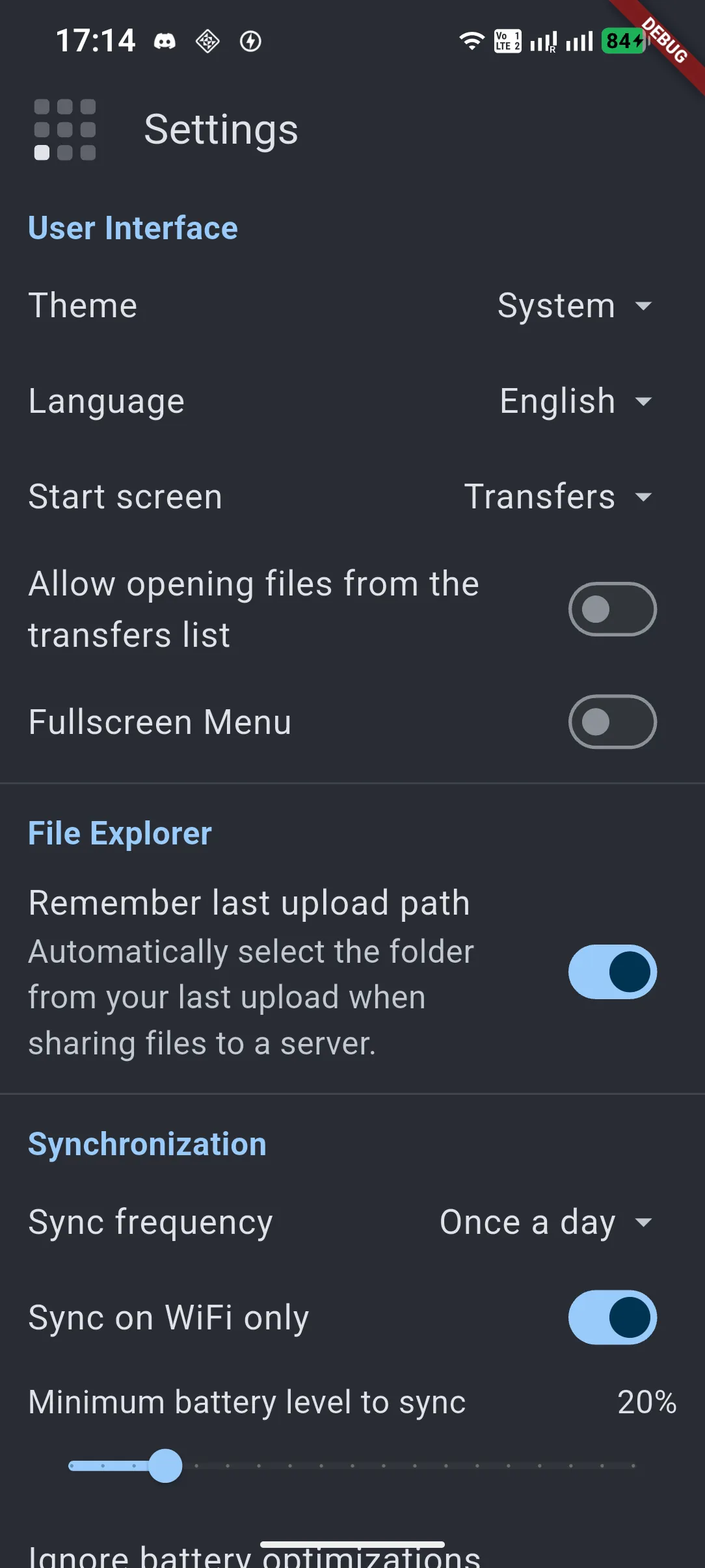
- Automated Schedules: Set up recurring synchronization cycles (e.g., every 15 minutes, hourly, daily) to keep your data up to date automatically, without any manual intervention.
- Reliable Background Sync: Maintains continuous file transfers and directory scanning in the background, powered by robust system Foreground Services.
- Smart Constraints: Pause sync tasks automatically when your battery level drops below a specific threshold, or restrict data usage by syncing only over WiFi.
Security & Authentication
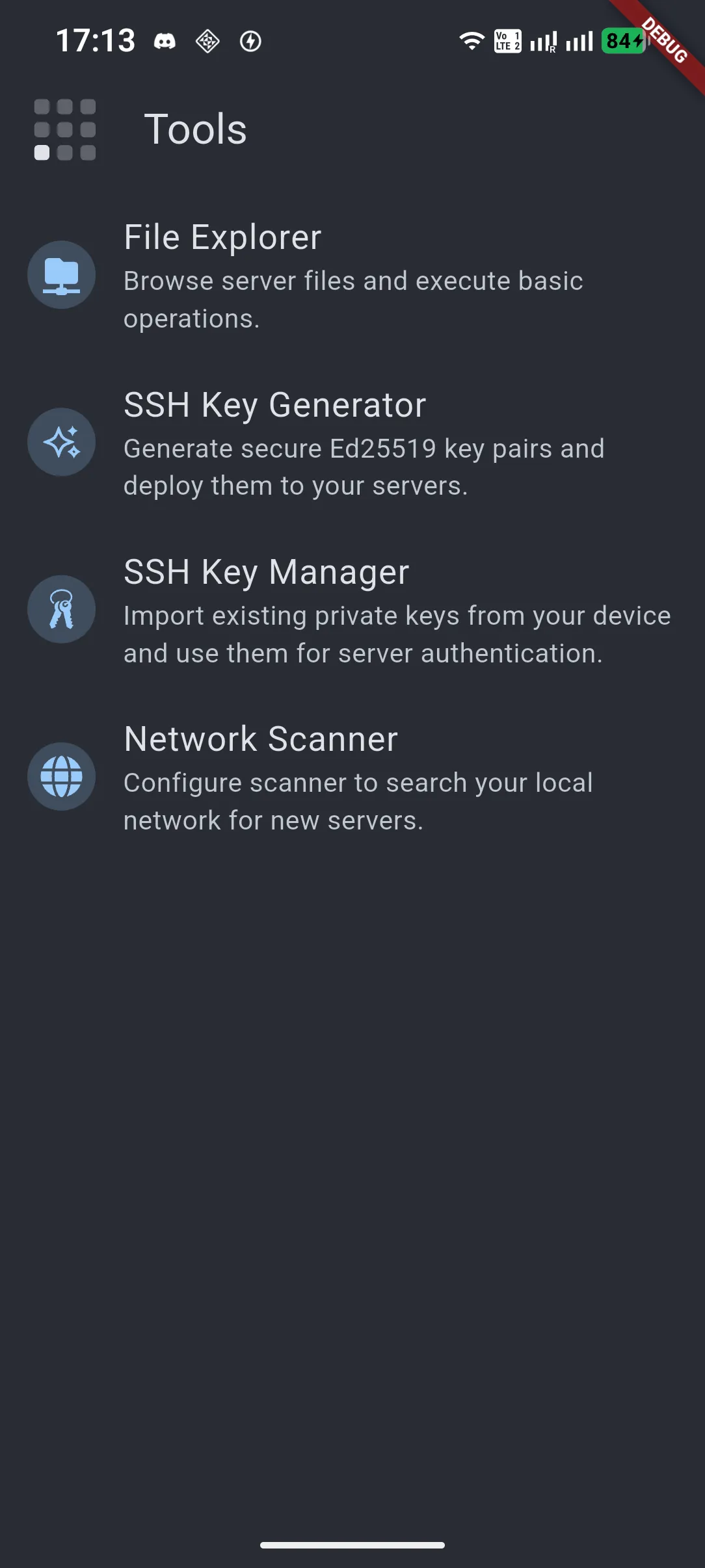
- SSH Key Manager & Generator: Securely connect using Ed25519 SSH key pairs or standard passwords. The app features a built-in wizard to automatically deploy public keys to your servers.
- Biometric App Lock: Protect your server configurations, private keys, and file structures using Android’s native biometric authentication (Fingerprint/Face Unlock) or a custom PIN code.
- Local-Only Privacy: Syncore respects your privacy. All metadata, keys, and transfer logs remain strictly on your device. No analytics, telemetry, or external proxies are used.
Integrated Tools
- Remote File Explorer: Directly browse your remote servers, manage files, bookmark favorite paths, and navigate SFTP directory structures without leaving the app.
- Network Scanner: Discover devices and open ports on your local network to easily locate your headless servers and NAS devices.
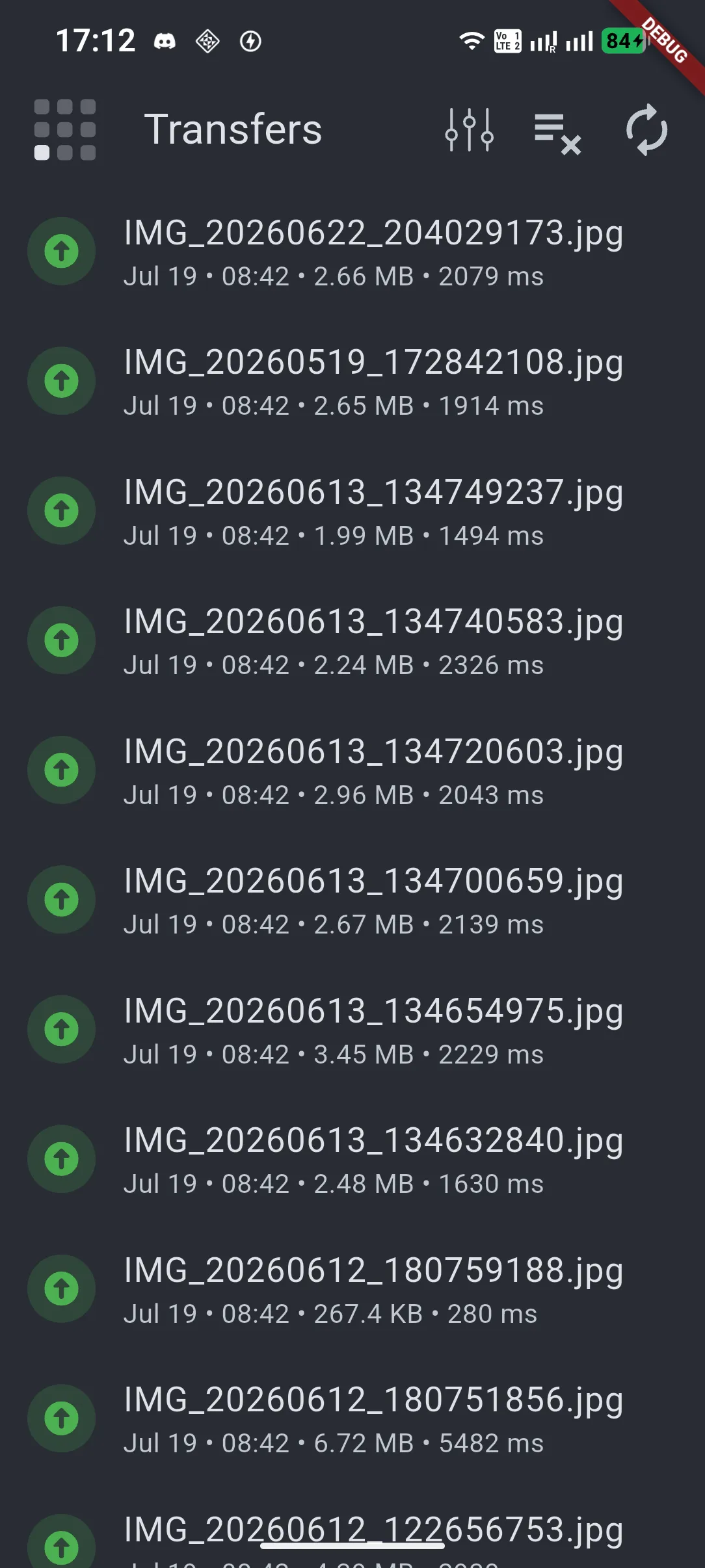
- Native Share Integration: Share files to Syncore directly from any other Android app (e.g., Gallery, File Manager) to initiate an instant, progress-tracked upload.
Compatibility & OS Support
Syncore is primarily optimized for Linux-based servers to take full advantage of native SSH/SFTP capabilities, commands (like native hashing), and file structures. However, its core file transfer features remain fully compatible with Windows-based SFTP servers. The application interface is currently available in English and Polish, with additional languages planned for future releases.
What is it for?
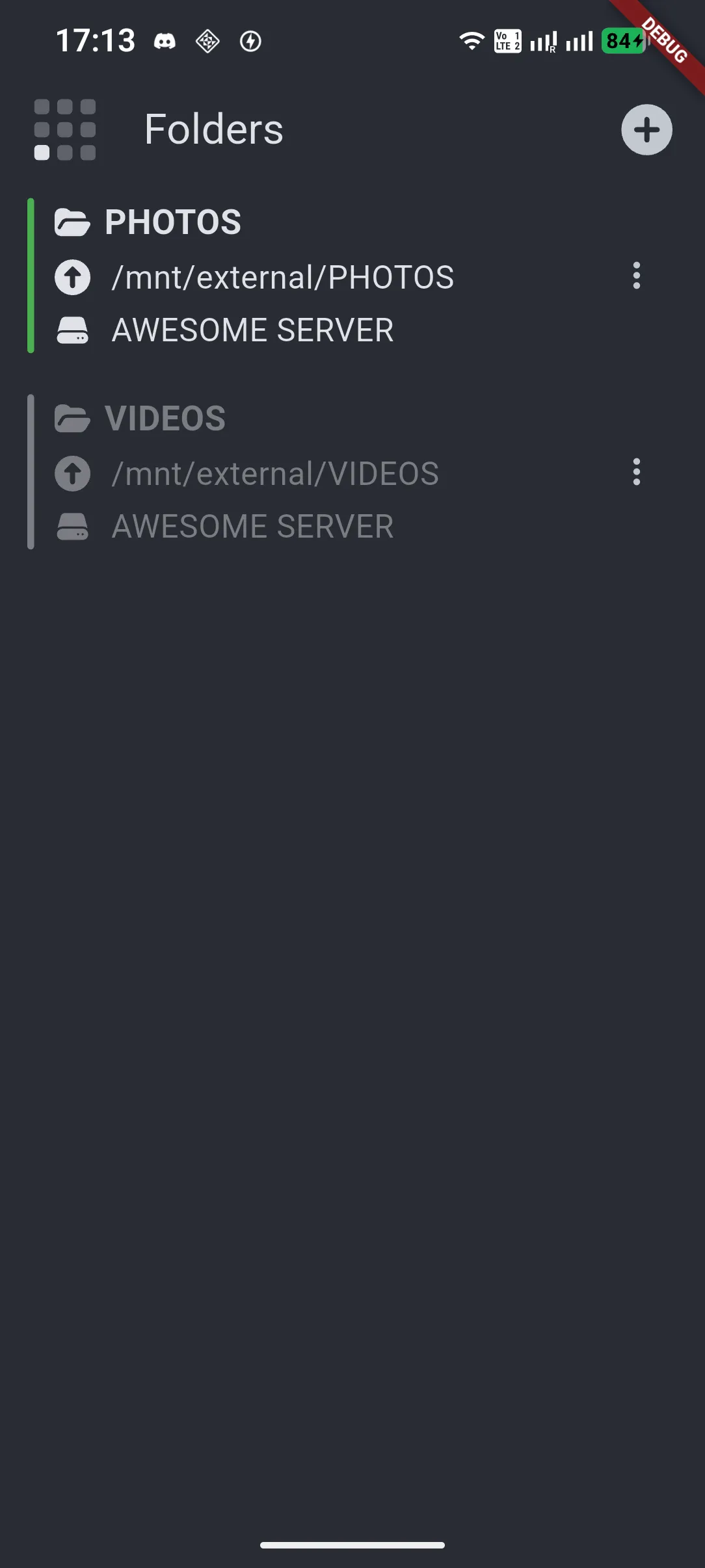
Syncore is the perfect tool for anyone who wants to break free from public cloud limitations. Whether you are an advanced user with a dedicated NAS or VPS, or simply want to keep your phone synchronized daily with your personal home computer or laptop (the only requirement is enabling SFTP access on the machine), Syncore is excellent for:
- Seamlessly syncing everyday files, documents, and photos between your smartphone and your personal PC or laptop.
- Creating automated, secure backups from your Android device’s local storage to a private server.
- Conveniently downloading large server assets and files directly to your smartphone.
- Reliably replicating and updating directories between your mobile device and various server environments over a secure SSH tunnel.
- Dropping files onto your remote machines seamlessly via Android’s native share menu.